A Closer Look
Import your character art, cut it into parts, rig a skeleton with IK, and animate on a keyframe timeline. Export to video, spritesheets, or straight into a game engine, all on your tablet with stylus support.
Free on the App Store for iPad. Android release planned.
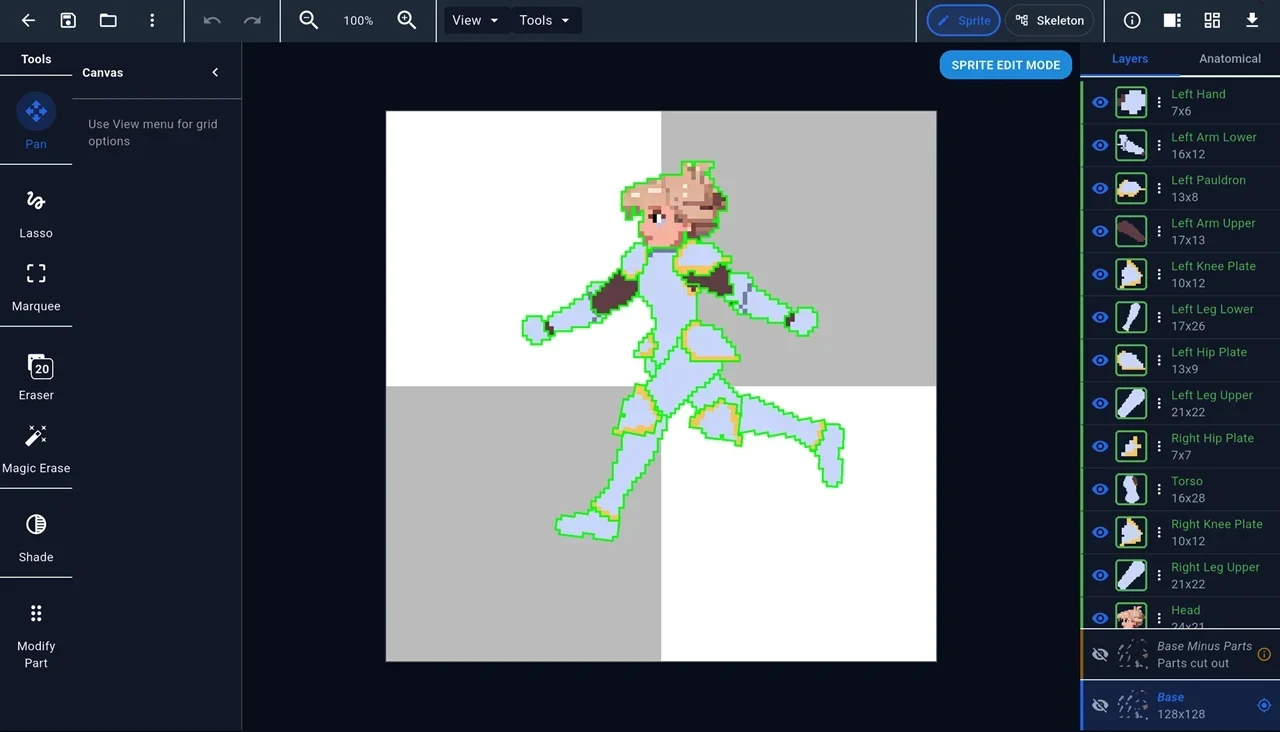
Bring in a layered PSD and the Character Wizard turns each layer into a body part, matched by name. Or import images, or start from a blank canvas and cut parts with Lasso, Marquee and Magic Erase.
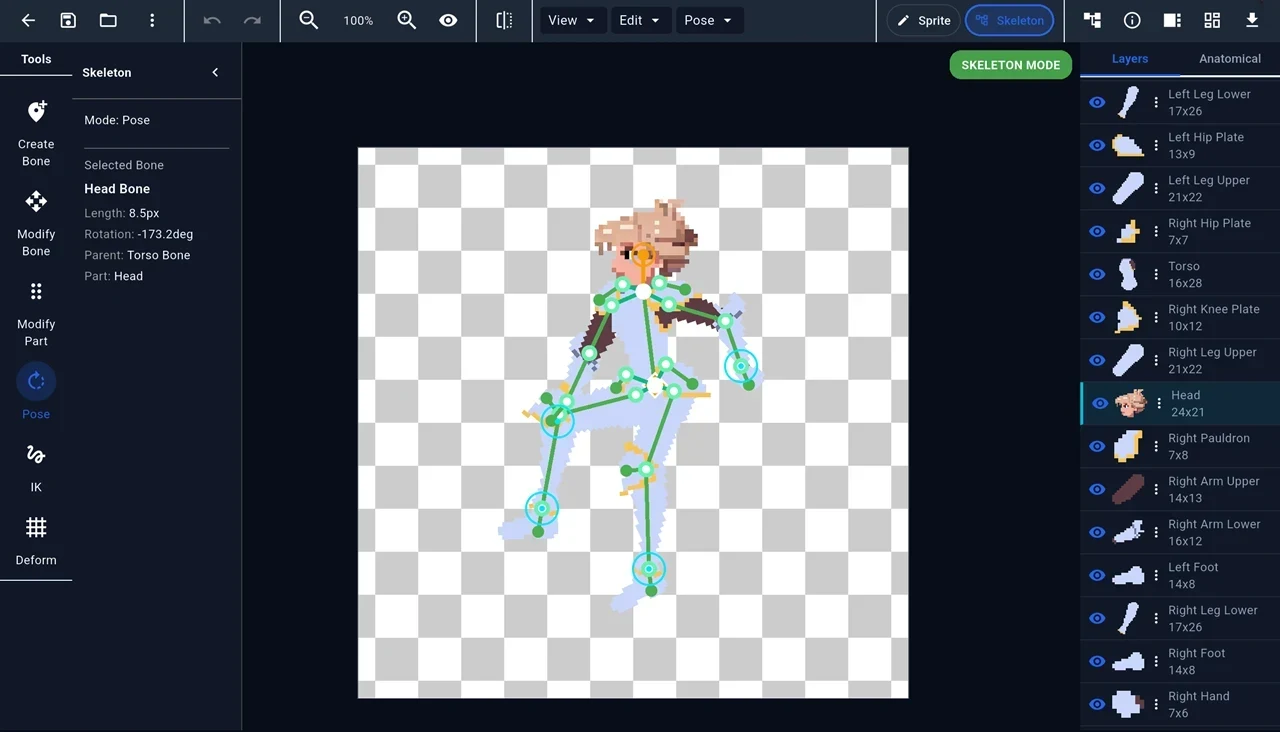
Draw bones, build the hierarchy, and attach parts. Add rotation constraints and two-bone IK chains, save and blend poses, and reuse skeletons as templates.
Pose with touch or stylus on a real timeline. Choose linear, eased, stepped, or custom bezier interpolation. Onion skinning, frame copy and paste, and named frame events for game triggers.
Stretch and bend parts with a lattice. Bake the result into the art, save it as a part variant, or keyframe it per animation for squash-and-stretch.
The Shade tool paints metal, lit, and emissive materials plus a height map onto each part, with a live lit preview. Export bakes them into normal maps, so pixel art reacts to light in-game.
Place sound clips on frames, then trim them and shape their volume in the audio editor. On Android, MP4 export mixes them in exactly on the frame.
Put several characters and props in one animation, and attach a sprite to any bone so a sword follows the hand. Retarget an animation onto a different character.
Export sprite sheets (horizontal, vertical, or grid), animated GIFs, MP4 video, JSON, or a single-file .animrig bundle for game engines.
AniMate exports .animrig, a single file that carries the skeleton,
keyframes, IK chains, part textures, and lighting maps. The free, open-source
Godot 4 plugin imports it as a playable character. Drop the file
into your project and press play.
The runtime adds what keyframes can't:
Import a PSD or images from Procreate, Photoshop, or any art tool, and cut your character into parts.
Draw bones, attach parts, and add IK so limbs move naturally.
Pose keyframes, set easing and timing, and preview playback in real time.
Sprite sheet, GIF, video, or a .animrig ready for Godot.